AI can make course production faster, but speed is not the same as a course that teaches well.
In 2026, the strongest teacher workflow is not "ask AI to make a course." It is a structured production loop where the teacher owns the goal, the sequence, the examples, the assessment, and the final review. AI helps draft, organize, and check the work. The educator still decides what is worth teaching.
This workflow is designed for teachers, trainers, and content creators who need to turn expertise into an online course without turning the process into a pile of disconnected AI outputs.
Start with the course outcome, not the tool
Before opening an AI prompt, write one clear sentence:
By the end of this course, participants should be able to do X in Y context with Z level of confidence.
That sentence keeps the entire course anchored. Without it, AI tends to produce broad outlines that sound polished but do not help a real teacher decide what belongs in the course.
For example, "understand project management" is too vague. A stronger outcome is: "By the end of this course, new team leads should be able to plan a two-week project sprint, identify delivery risks, and run a weekly status review."
That gives AI something concrete to work with. It also gives the teacher a standard for rejecting sections that look impressive but do not support the outcome.
Turn the outcome into a course map
Once the outcome is clear, ask AI to propose a course map. Do not ask for a finished course yet. Ask for modules, lesson goals, practice moments, and assessment checkpoints.
A useful prompt looks like this:
Create a course map for this outcome:
[paste outcome]

Audience:
[describe learners, experience level, constraints]

Return:
- 4 to 6 modules
- one goal per module
- 2 to 4 lessons per module
- one practice task per module
- one assessment checkpoint
The teacher's job is to edit the map before any content is generated. Remove duplicate lessons. Move hard concepts later. Add missing prerequisites. Check whether every module changes what the participant can actually do.
This is where many AI course workflows fail. They generate lessons too early, before the sequence is stable.
Build lessons in small batches
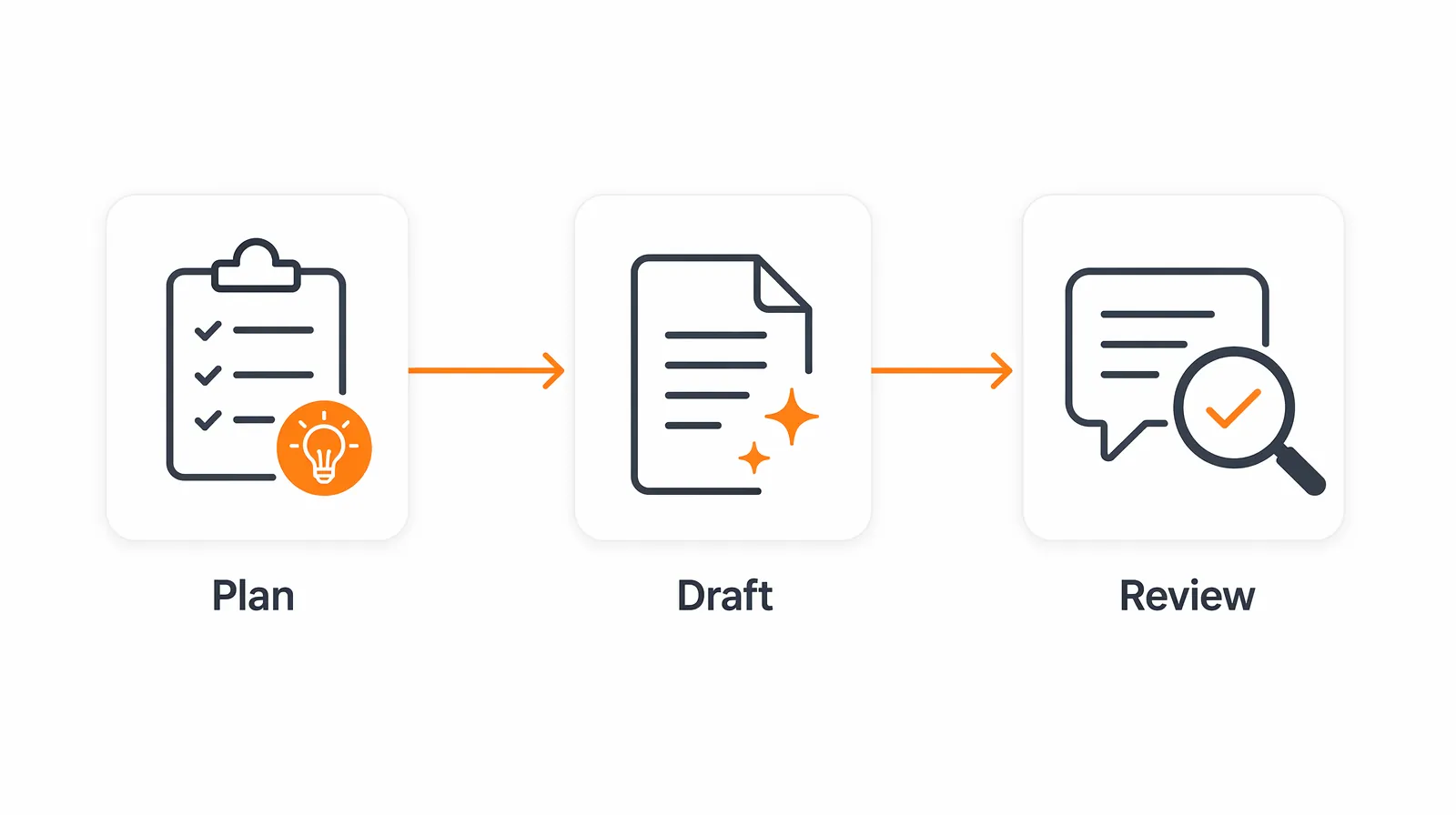
After the course map is approved, generate lessons one module at a time. A full-course generation prompt usually creates uneven depth. Some lessons become detailed, others become filler.
For each lesson, ask AI for:
- a short teaching objective
- the explanation
- one example
- one guided activity
- one check-for-understanding question
- suggested slide or video structure
Then review the lesson against three questions:
- Does this lesson help the participant perform the outcome?
- Is there a concrete example from the audience's real context?
- Is there a moment where the participant has to do something, not just read or watch?
If the answer is no, regenerate that lesson with specific feedback. Do not accept a lesson just because it is fluent.
Use AI for variation, not authority
AI is useful for generating alternatives. It is weaker as the final authority on what should be taught.
Use it to ask:
- "Give me three examples for a beginner audience."
- "Rewrite this explanation for a corporate training context."
- "Suggest a practice task that can be completed in 10 minutes."
- "Find missing assumptions in this lesson."
- "Create a simpler version of this explanation without removing accuracy."
The teacher still validates the material. That validation matters most in examples, edge cases, assessments, and any topic where the audience may apply the instruction in a real workplace or classroom.
Add assessments before polishing the content
Assessment should not be the final step. It should be built while the course is still flexible.
For each module, define one task that proves the participant can use what was taught. Then ask AI to create a rubric, sample answers, and common mistakes.
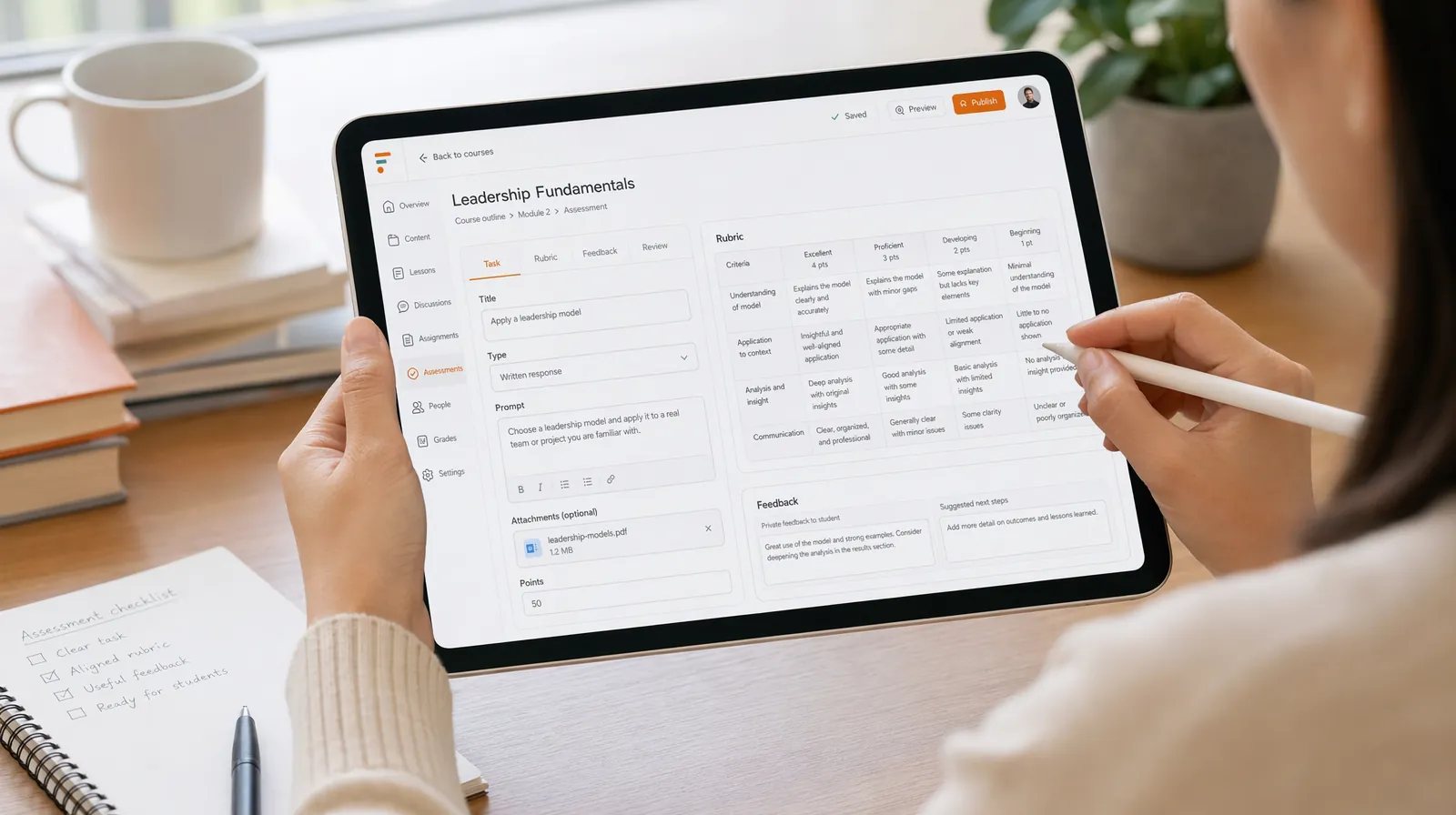
For a course on project sprint planning, the assessment might be:
Given a project brief, create a two-week sprint plan with goals, risks, owners,
and a status update agenda.
That is better than a quiz asking for definitions. Definitions can support the course, but the assessment should match the real skill.
Convert the approved plan into slides, video, and activities
Only after the course map, lessons, and assessments are reviewed should you move into production assets.
This is where a teaching and training platform like TutorFlow can help. The teacher can turn the approved outline into course pages, slides, video scripts, tests, and classroom materials while keeping the structure connected. The goal is not to generate more content. The goal is to keep every asset aligned with the same instructional plan.
When generating video scripts, keep them short and specific. When generating slides, avoid putting the entire script on the slide. When generating tests, check that every question maps back to a lesson objective.
Run a final instructional QA pass
Before publishing, review the course like an editor and like a teacher.
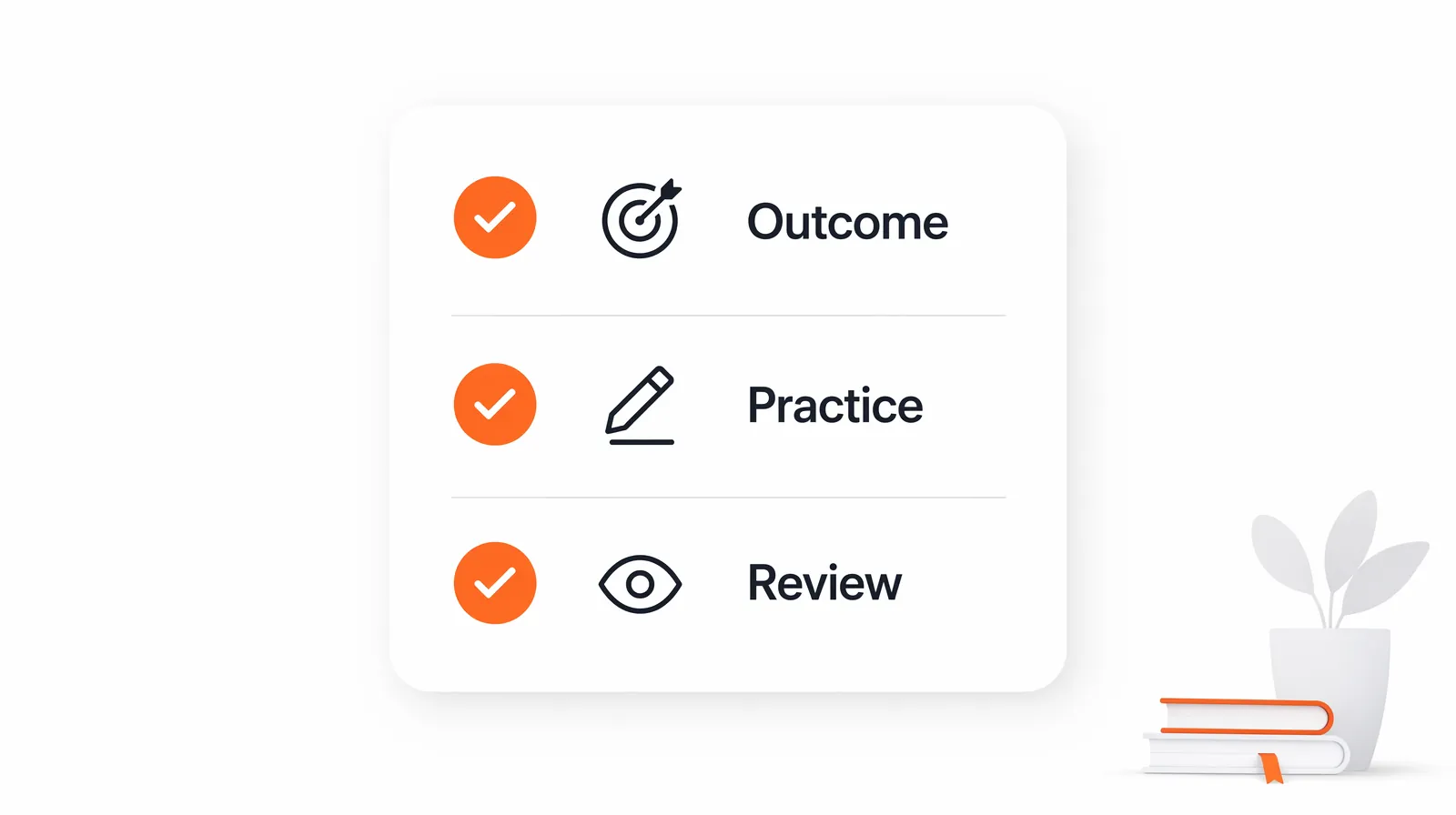
Use this checklist:
- The course outcome is specific and observable.
- Every module supports the course outcome.
- Every lesson has an example, activity, or decision point.
- Assessments test applied skill, not only recall.
- AI-generated claims have been reviewed by a human expert.
- Slides, videos, and quizzes use the same terminology.
- The course has enough practice time for the audience.
- The final review removed generic filler.
This QA pass is where the course becomes publishable. AI can help identify gaps, but the teacher should make the final decisions.
A practical AI course workflow
Here is the full workflow in order:
- Define the course outcome.
- Describe the audience and constraints.
- Generate a course map.
- Edit the sequence before drafting lessons.
- Generate one module at a time.
- Add examples and practice tasks.
- Build assessments early.
- Convert approved content into slides, scripts, videos, and tests.
- Run instructional QA.
- Publish only after human review.
This process keeps AI in the right role. It accelerates production, but it does not replace instructional judgment.
FAQ
Can AI create an entire online course?
AI can draft a large amount of course material, but a teacher still needs to define the outcome, review the sequence, validate examples, and approve assessments. A course generated without that review may look complete while still being weak instructionally.
What should teachers prepare before using AI?
Prepare the course outcome, audience profile, time limit, delivery format, and assessment goal. These inputs make AI outputs more specific and easier to review.
Should I generate slides first or lessons first?
Generate the lesson structure first. Slides should support the lesson, not define it. If slides come first, the course can become a presentation deck instead of a guided teaching experience.