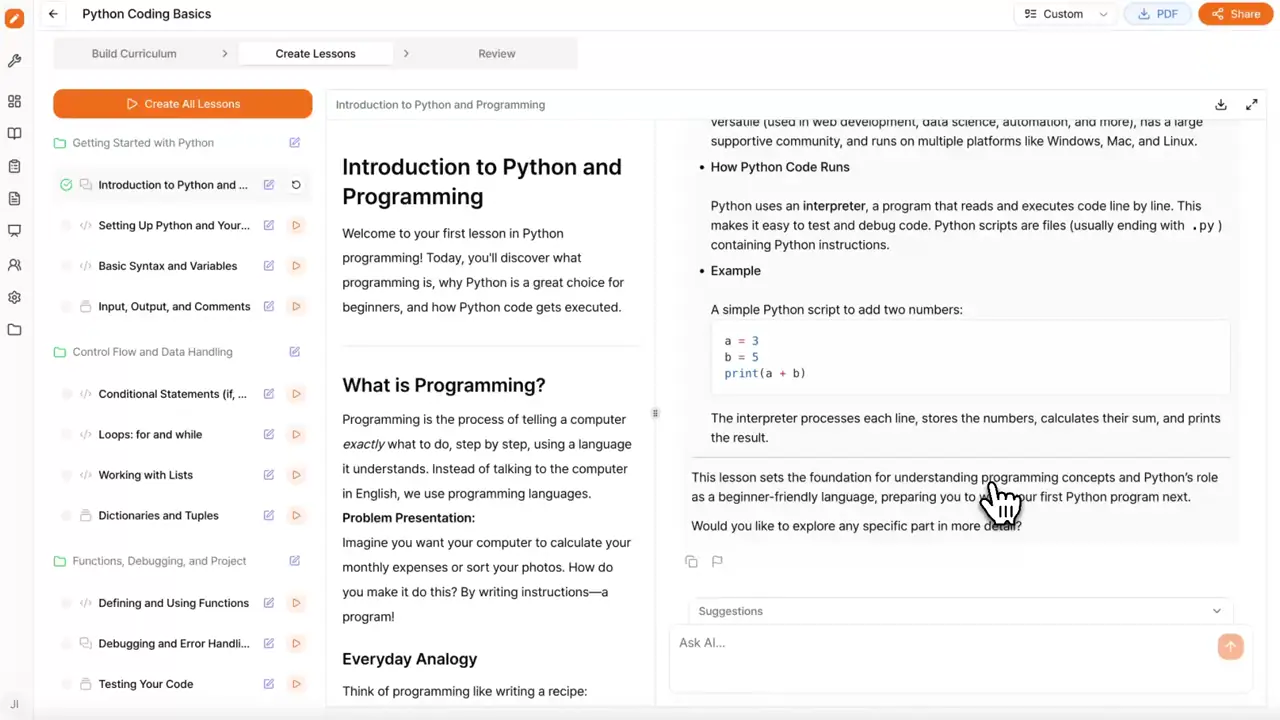
Live coding in the course flow
Participants write, run, and debug code in the same screen as the lecture. No external IDE required.
From coding practice to multi-model AI activities and speaking exercises built for language education, let TutorFlow handle the technical complexity.
TutorFlow Courses is an interactive course-building tool that brings lessons, practice, assessments, live coding, AI response comparison, and spoken language practice into one workspace. It ships with features tailored for educators, L&D teams, and educational content creators.
Participants write, run, and debug code in the same screen as the lecture. No external IDE required.
Show several AI responses side by side so learners can study how models reason and where their answers differ.
Generate practice passages, transcribe learner speech, and support pronunciation practice inside each course.
Pick a tab to see the practice flow inside a TutorFlow course.
Python, JavaScript, Java, C, C++, Go, Ruby, and more. Participants execute code right in the course and see results immediately.
TutorFlow is an online education solution built for vivid, hands-on training.
Mix teaching content with hands-on activities. Participants learn by doing, not by scrolling.
Use TutorFlow on web, iOS, and Android to build courses, manage classes, and run teaching workflows from any device.
AI supports learners within the curriculum you set, with human review where it matters.
Type a topic, audience, and goal. TutorFlow drafts the structure, lessons, and assessments.
Edit text, add coding activities, attach materials, and set guidance for the AI tutor.
Push the course to your classroom, share an enrollment link, and start teaching.
STEM departments, computer science programs, and tutors running interactive classes.
Coding bootcamps, language schools, and after-school programs that need practice-centered content.
L&D groups running technical onboarding and upskilling with measurable practice.
Programs that use speaking, dictation, and pronunciation practice inside their courses.
Every feature here feeds the next one. Pick one and see where it fits in your week.
Start free and create your first interactive course with lessons, practice, and AI support in one workspace.