Every few months a new "AI in your LMS" announcement lands, and the academic technology team gets the same question from a dean: should we switch platforms? Almost never. The real decision in 2026 is not which LMS has the best AI. It is how you attach AI to the LMS you already run without chaining a fast-moving AI roadmap to a multi-year platform contract.
Still, the platform you sit on shapes what AI integration feels like day to day. So before the standards talk, here is an honest side-by-side of how Canvas, Blackboard, and Brightspace approach AI, and where each one helps or gets in the way.
A quick disclosure, because it explains why this comparison exists: we build TutorFlow, an AI teaching layer that connects to all three of these systems. We are not trying to sell you a different LMS. We help educators and training teams add AI to the one they already run, which means we spend our days inside Canvas, Blackboard, and Brightspace integrations. This guide is what that work has taught us about where AI should actually live.
The comparison at a glance
| Dimension | Canvas (Instructure) | Blackboard Learn Ultra (Anthology) | Brightspace (D2L) |
|---|---|---|---|
| Native AI focus | Lighter native AI; leans on an open ecosystem and partners | AI Design Assistant generates rubrics, question banks, and module outlines inside Ultra | AI for practice questions and feedback, tied to course design |
| External AI tools | Broadest LTI ecosystem and clean REST API | Supported, but workflows favor the Anthology stack | Supported, with strong outcomes and release-condition logic |
| Gradebook writeback (AGS) | Mature LTI Advantage and AGS support | AGS supported within Ultra's model | AGS supported, strongly aligned to outcomes |
| Governance style | Flexible, assemble-your-own-tools | Centralized and enterprise-managed | Structured around competencies and conditions |
| Accessibility / outcomes | Solid, broad adoption | Strong enterprise reporting | Best-in-class outcomes and accessibility track record |
| Best fit | Teams wanting modular, swappable AI tools | Institutions wanting central governance plus native course-building AI | Outcomes-led, accessibility-focused programs |
Treat vendor AI features as a moving target. The capabilities above shift every release, which is exactly why the integration layer matters more than any single feature.
Canvas (Instructure)
Where it shines: Canvas has the most open posture of the three. A clean REST API and the broadest LTI Advantage adoption make it the easiest place to plug in external AI tools, swap them out, and standardize an integration across departments. The modern UI keeps faculty onboarding light, and its North American higher-ed footprint means most AI vendors test against Canvas first.
Watch-outs: Native AI tends to be lighter than Blackboard's, so real depth often comes from third-party tools or paid add-ons. If you want a single vendor to own the whole AI experience, Canvas's open model can feel like more assembly.
Best when: you want AI to be modular and replaceable, run by an instructional technology team that is comfortable integrating tools.
Blackboard Learn Ultra (Anthology)
Where it shines: Blackboard has invested the most in native course-building AI. The AI Design Assistant can draft rubrics, generate question banks, and outline module structure directly inside Ultra, which is genuinely useful for faculty who do not want to leave the LMS. Enterprise administration, governance, and institution-wide reporting are mature.
Watch-outs: Workflows tend to stay inside the Anthology ecosystem, so it feels less like an open marketplace than Canvas. Institutions still moving from Learn Original to Ultra should budget for a non-trivial migration.
Best when: you want centralized governance and convenient native AI for course creation, and you value enterprise admin over an open tool ecosystem.
Brightspace (D2L)
Where it shines: Brightspace is the strongest on outcomes, competencies, release conditions, and intelligent agents, and it has a long, credible accessibility track record. Its AI features lean into course design and feedback, so they pay off most when your programs are already organized around learning outcomes.
Watch-outs: The third-party ecosystem is smaller than Canvas's, and the AI value is highest only if you actually run an outcomes framework. Some of the power features carry a learning curve.
Best when: you are an outcomes-led or accessibility-focused program and want AI that reinforces that structure rather than bolting on novelty.
What the comparison actually tells you
Line the three up and a pattern appears: none of them "wins" on AI, because the feature lists turn over every term. Native AI is convenient, but it ships and renews on the vendor's schedule and usually rides your license renewal. Standards-based integration keeps two clocks separate.
Keep your LMS contract slow and stable. Let the AI layer change as fast as the field does.
That is the decision under the decision. Pick the LMS for the boring, durable reasons (enrollment, rosters, the gradebook, accessibility, reporting, support), then add AI through a standard you can swap later.
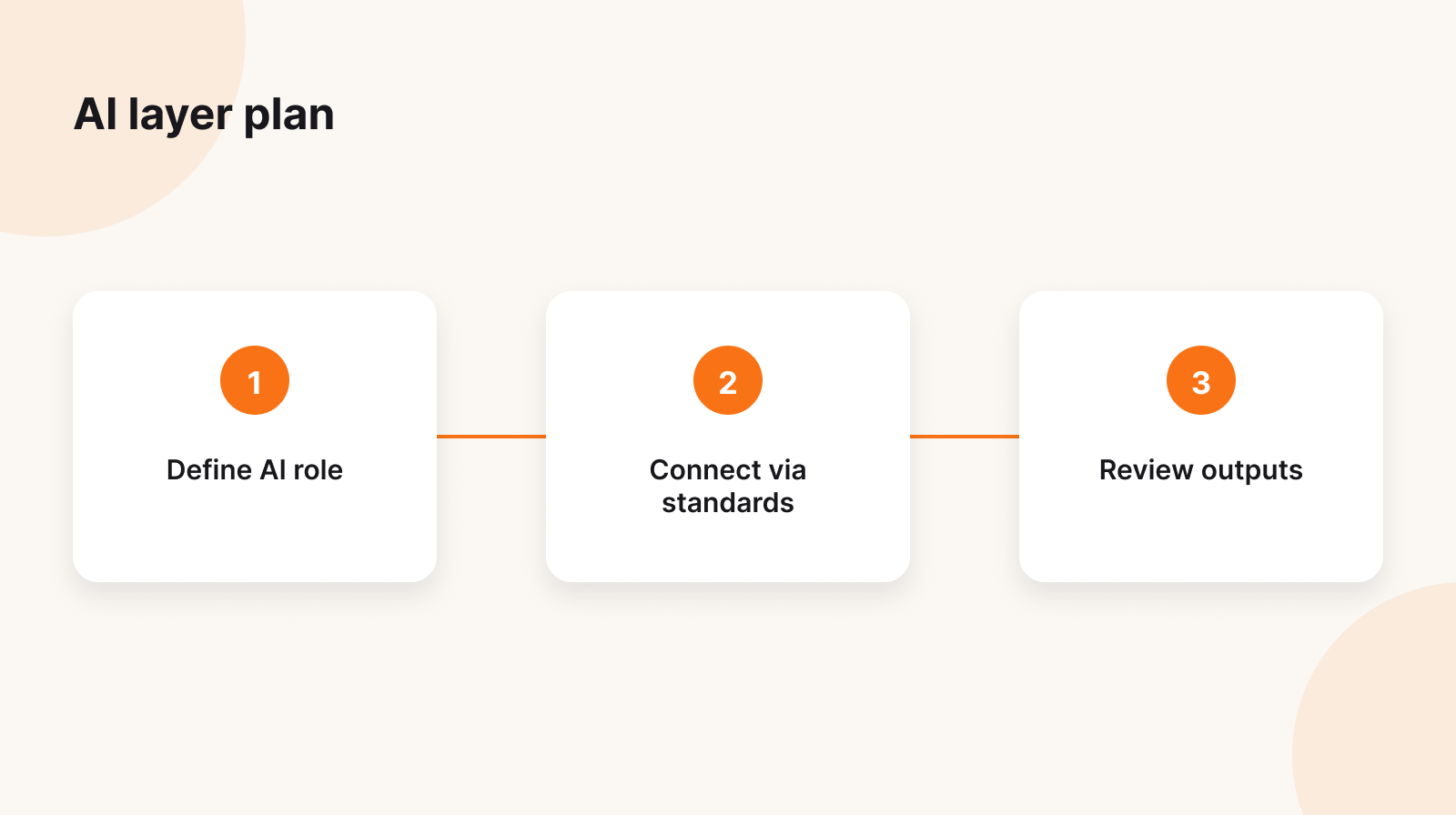
The integration that matters: LTI 1.3
Most advice stops at "use LTI." The useful detail is which LTI Advantage services you wire up, because each one unlocks a specific capability:
- Deep Linking lets the tool place AI-built content into a course as a real, graded assignment, not a pasted link.
- Assignment and Grade Services (AGS) lets it create gradebook line items and write scores and feedback back programmatically.
- Names and Role Provisioning (NRPS) lets it read the roster and roles, so it knows instructor from student without a nightly sync.
Here is the part nobody warns you about.
Pilots rarely fail at launch. They fail at grade passback.
Creating AGS line items, writing scores idempotently so a re-run does not double-post, and matching identities through NRPS is the unglamorous plumbing that decides whether faculty ever trust the tool. Test that in a sandbox course before you evaluate anything else, because a slick demo that cannot reliably return a grade is worse than no tool at all.
When SCORM is the right tool
SCORM solves a different problem. It packages self-contained content that runs in any conformant LMS and reports completion and score back through its runtime (the cmi data model). There is no live identity, no roster, and no rich writeback beyond completion and score.
That makes SCORM strong for compliance training, onboarding, and continuing education delivered across many departments, and weak for interactive, instructor-reviewed grading. Plenty of teams use both: author the content once, deliver it as an LTI 1.3 activity in a credit course and as a SCORM package for staff training across systems.
Assessment: AI prepares, a human decides
"AI grades everything" does not fail on accuracy. It fails on governance: accreditation review, student appeals, and the plain test of whether an instructor can explain a score to the student who earned it. So design the workflow backward from the appeal:
- The student submits in the LMS.
- The LTI tool scores each submission against a named rubric and returns a score per criterion, a short rationale, and suggested feedback.
- The instructor works a review queue, edits, and approves.
- Only approved results post back through AGS.
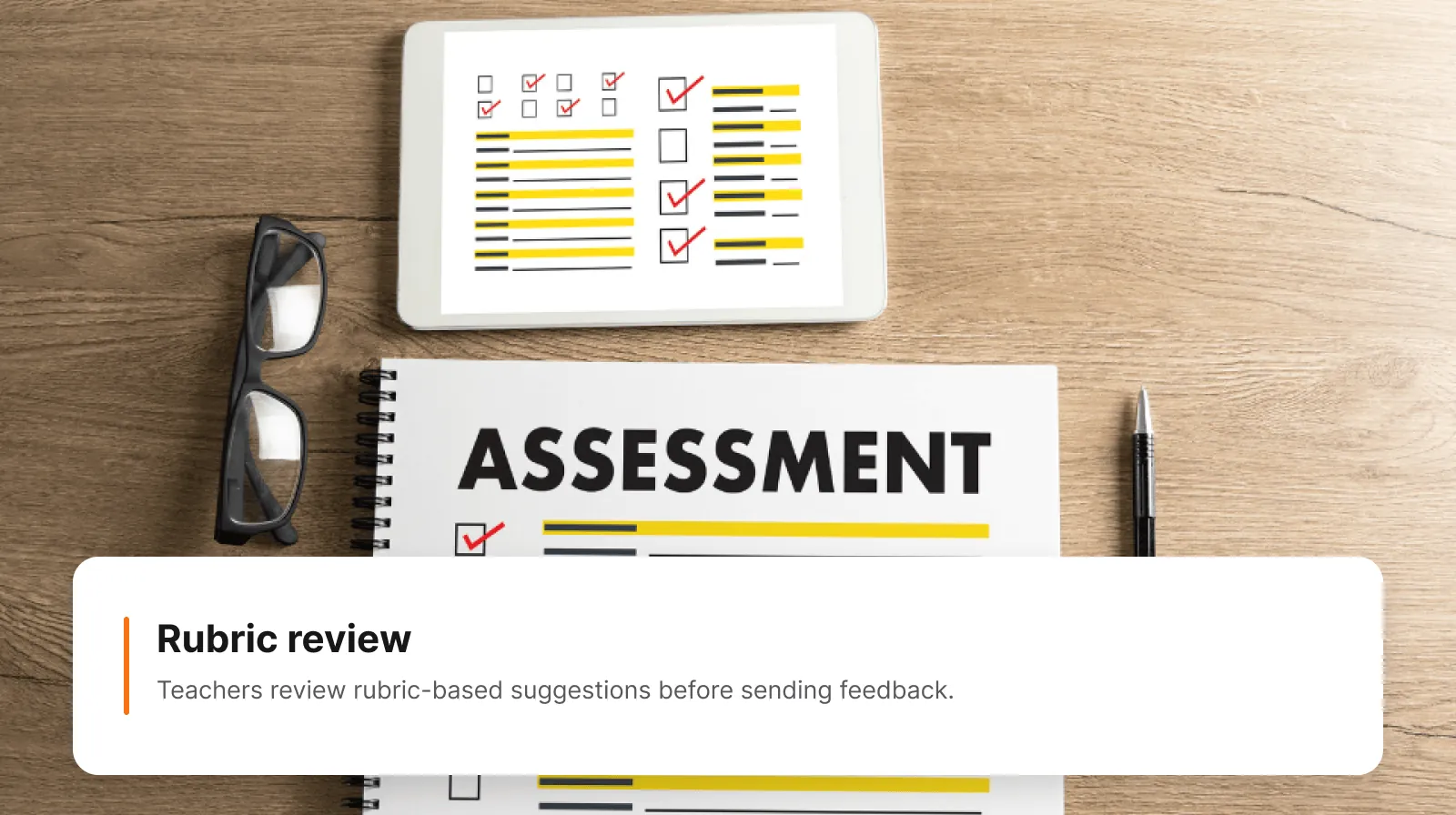
In a 300-student intro course, that turns grading from "score everything" into "review and approve," and every posted grade still carries a criterion-level rationale you can defend. Let AI carry the formative load (practice quizzes, draft feedback, lab explanations) where speed helps and stakes are low. Keep summative grading behind human sign-off and documented criteria.
The one procurement question that filters vendors
Before the demo, ask: are student submissions retained, and are they used to train your models? Require a written no-train commitment, a stated retention window, and known processing regions. That single question filters vendors faster than any feature matrix, because it is the FERPA-adjacent gate your institution has to clear anyway.
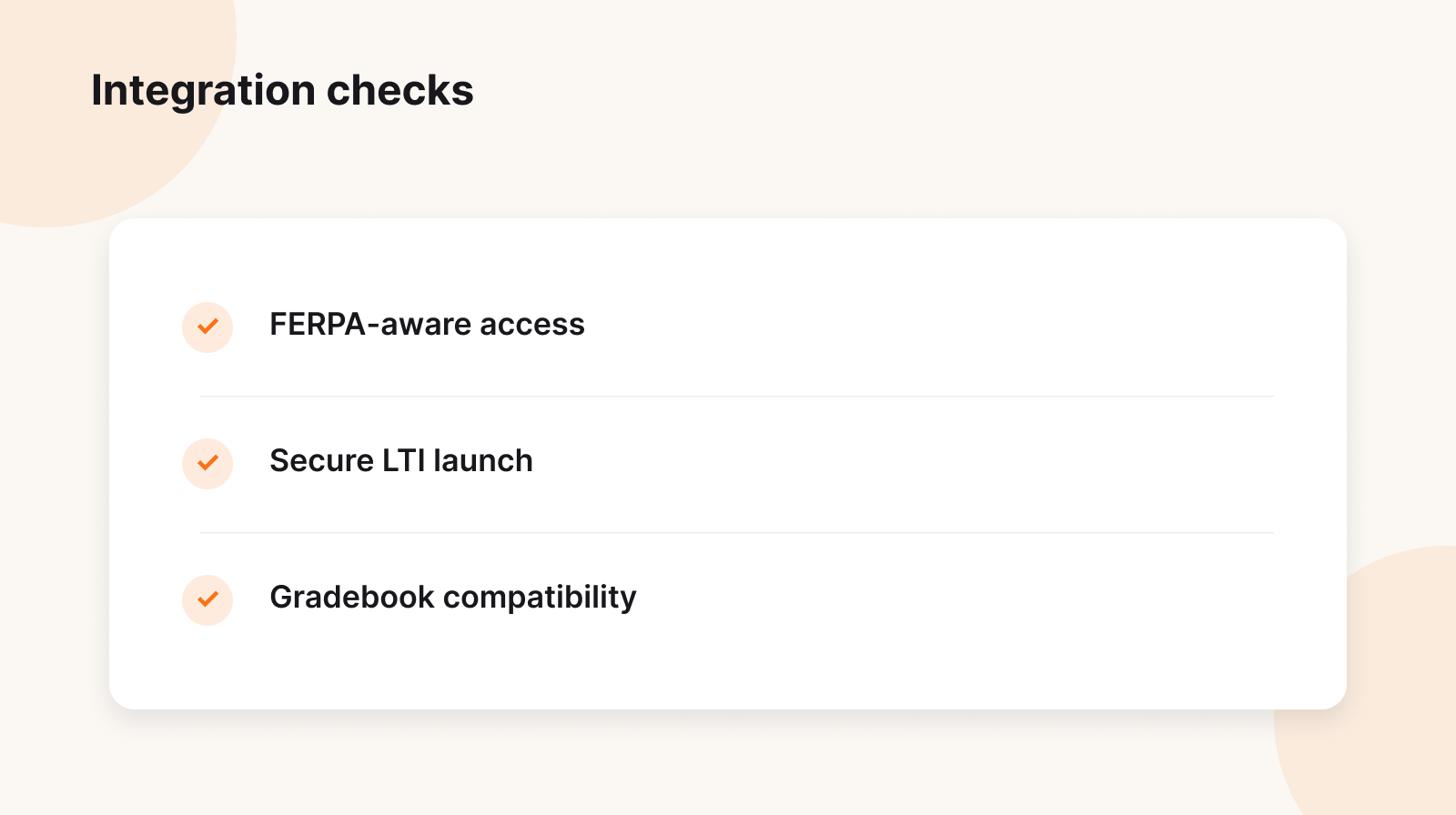
Then run a contained pilot instead of a launch: pick one workflow, decide whether it needs LTI 1.3 or SCORM, confirm exactly what data the tool can see, and test grade passback in a sandbox. End the pilot with a decision: expand, revise, or stop. "Faculty liked it" is not a result.
Where TutorFlow fits in this picture
TutorFlow is not an LMS, and it is not trying to replace Canvas, Blackboard, or Brightspace. It is the AI teaching layer that sits on top of them. Educators and training teams use it to turn outcomes, notes, and source material into lessons, slides, quizzes, modules, and rubric-based evaluation, then push the results back into the LMS they already run. That is the whole reason we compare these three platforms: our job is to make AI work well on top of each one, not to move you off it.
Concretely, TutorFlow maps onto everything above:
- It connects through the standard, not a lock-in. TutorFlow launches over LTI 1.3 and is built to use Deep Linking to place generated activities as real assignments, NRPS to read the roster, and AGS to write grades back. For training that needs to travel, it exports SCORM packages.
- Grading stays human-decided. AI scores each submission against your rubric with a per-criterion rationale and suggested feedback. The instructor reviews and approves, and only approved grades post back. Nothing reaches the gradebook on its own.
- The LMS stays the system of record. Enrollment, sections, and official grades stay where they belong. TutorFlow handles the content and assessment work around them.
- It is ready for the procurement question. Generated content and student submissions are handled under clear data terms, so the FERPA-adjacent review is a short conversation rather than a blocker.
In other words, TutorFlow is the thesis in practice: keep your LMS stable, let the AI layer move at its own pace, and keep a human in the loop on anything that touches a grade. Whether you run Canvas, Blackboard, or Brightspace, the integration path and the review workflow stay the same.
FAQ
Which LMS is best for AI, Canvas, Blackboard, or Brightspace?
There is no single winner. Canvas is strongest for plugging in modular external AI tools, Blackboard Learn Ultra has the most built-out native course-building AI, and Brightspace is best when your programs are organized around outcomes. Because native features change every term, choose on durable LMS fundamentals and add AI through LTI 1.3 so you can switch tools later.
Do we need LTI 1.3, or is LTI 1.1 enough?
LTI 1.1 still launches tools, but it lacks the OAuth 2.0 and OpenID Connect security handshake and the Advantage services (AGS, NRPS, Deep Linking) that AI grading and content placement depend on. For anything that writes to the gradebook, use 1.3.
Is LTI 1.3 better than SCORM for AI grading?
Yes. LTI 1.3 gives secure launch, roster and role context through NRPS, and grade passback through AGS. SCORM only reports completion and score for a self-contained package, with no live identity, so it cannot support an instructor-reviewed grading loop.
Can TutorFlow work alongside Canvas, Blackboard, or Brightspace?
Yes. Keep your LMS as the system of record and use TutorFlow as the AI content and assessment layer through LTI 1.3 and SCORM, so generated grades reach the gradebook only after an instructor approves them.
The bottom line
AI did not make your LMS obsolete. It made the integration question more important than the platform question. Compare Canvas, Blackboard, and Brightspace on the fundamentals, treat their native AI as a convenience, then decouple the AI clock from the contract clock: wire up Deep Linking, AGS, and NRPS deliberately, and keep grading behind human sign-off. That is a stronger position than chasing whichever platform has the longest AI feature list this semester.