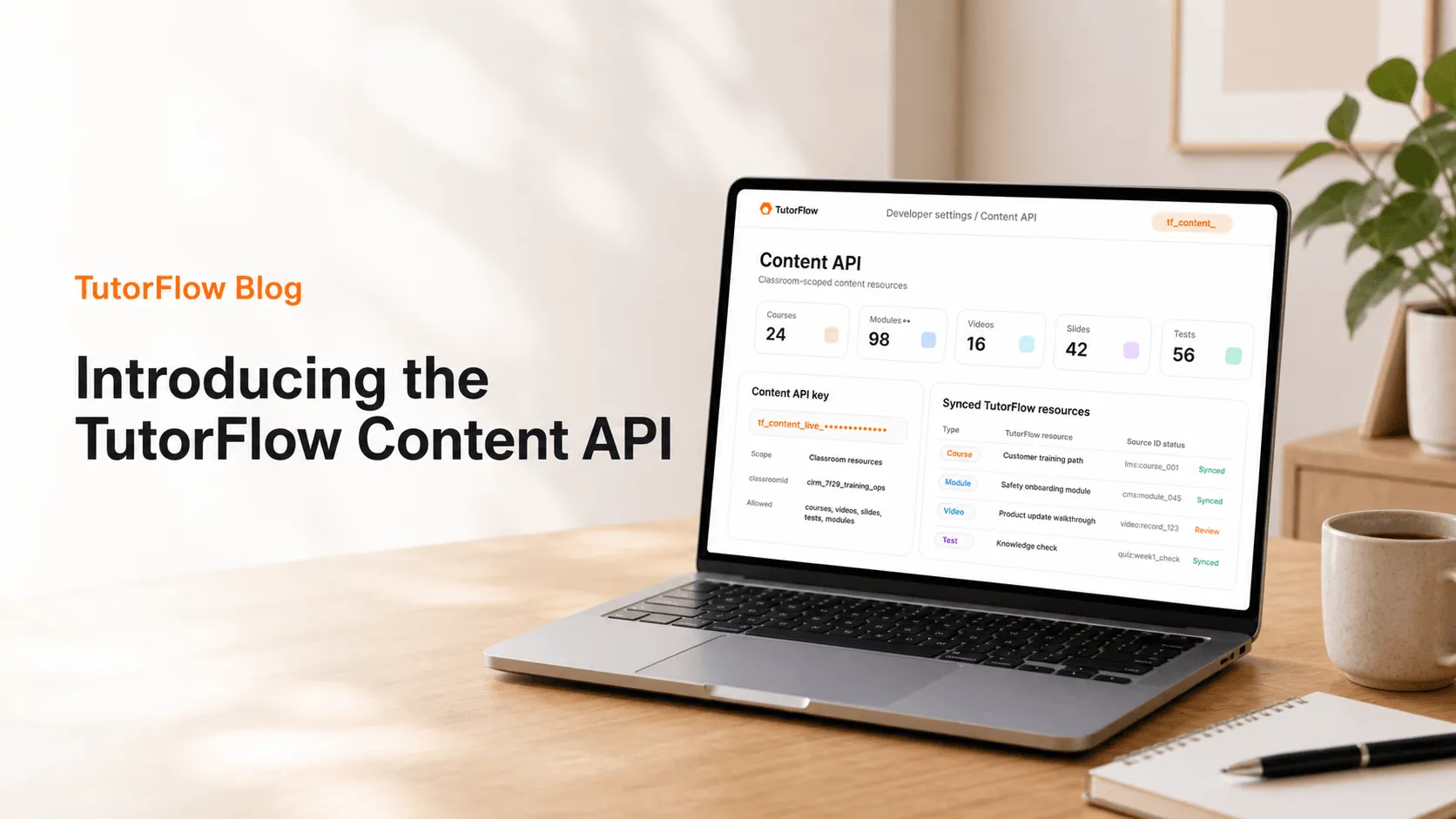
The TutorFlow Content API gives customer systems a controlled way to create and keep TutorFlow teaching content in sync.
It is built for teams that already have source material somewhere else, such as a CMS, internal training database, content operations tool, customer education system, or EdTech backend, but want that material to become usable TutorFlow courses, modules, videos, slides, and tests.
The goal is not to turn TutorFlow into a file dump. The goal is to let external systems move structured content into TutorFlow while preserving the classroom, resource, review, and editor workflows that educators and training teams already use.
That is why the TutorFlow Content API is separate from the Agent Platform. Content API requests use dedicated tf_content_ keys and classroom-scoped resources. They are for human-owned TutorFlow content, not autonomous agent workspaces.
Quick answer: the TutorFlow Content API connects your content system to TutorFlow resources
The TutorFlow Content API is an API layer for creating, updating, listing, deleting, and reconciling TutorFlow classroom resources from an external system.
Those resources are the same product concepts people use inside TutorFlow:
- Courses for structured curricula and lesson sequences.
- Modules for focused interactive lessons or imported lesson units.
- Videos for editable video plans, scenes, narration, subtitles, and review state.
- Slides for instructor-led sessions, workshops, and classroom presentations.
- Tests for assessment metadata, questions, answers, scoring, and submissions.
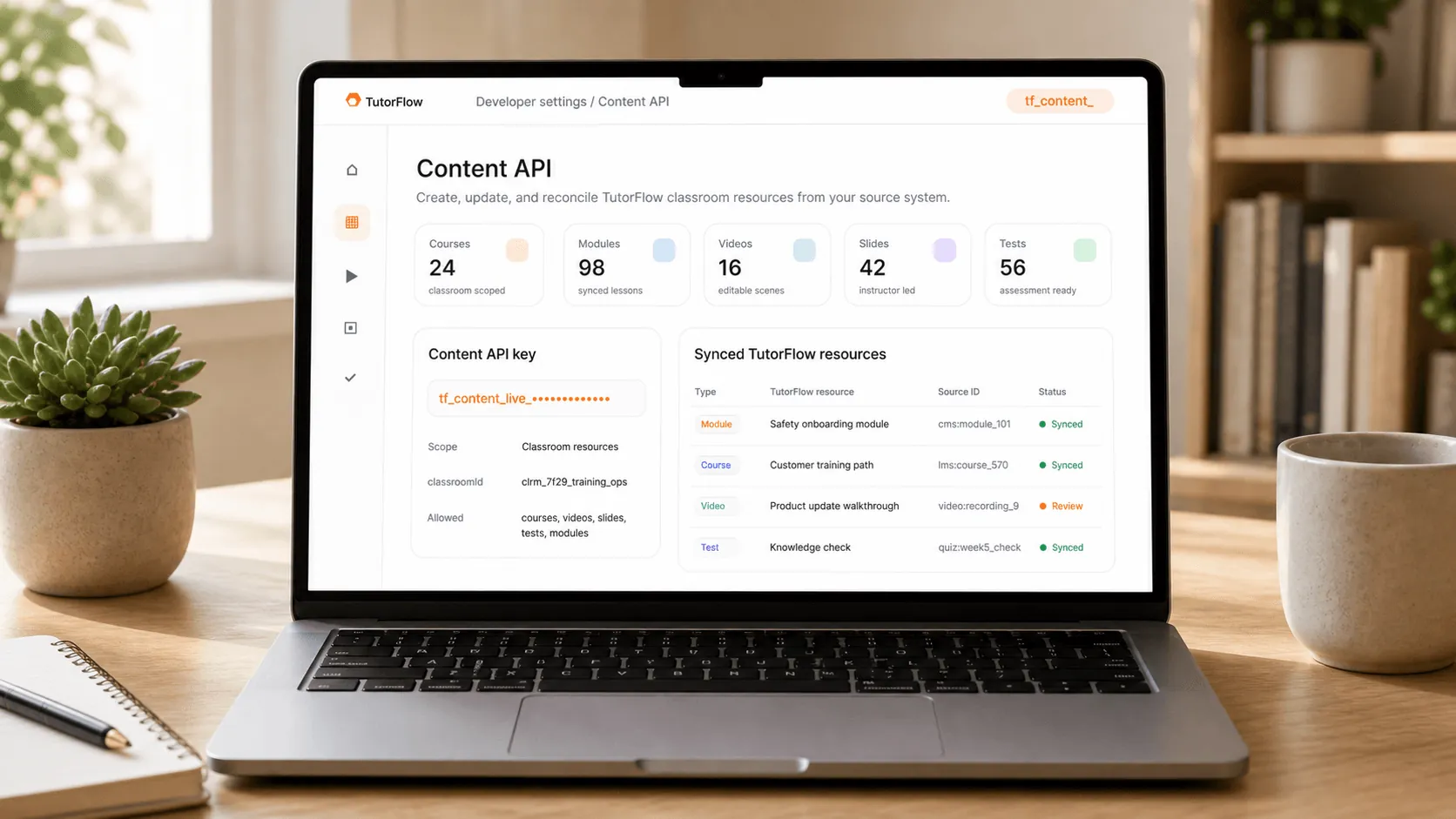
The important detail is ownership. A module created through the API is still a TutorFlow classroom resource. A course created through the API can still be opened in the TutorFlow editor. A test created through the API can still fit the TutorFlow assessment workflow.
That makes the API useful when a team wants external automation without losing editorial control. The external system can send structured content, but TutorFlow remains the place where educators and training owners review, refine, and deliver that content.
What the TutorFlow Content API is built to do
TutorFlow already has product-level resources for teaching and training work. The Content API exposes those resources to approved external systems so teams can stop copying the same material by hand.
That matters because TutorFlow content is not only a file. A video may have scenes, narration, subtitles, a transcript, review state, and classroom placement. A course may include chapters, lessons, modules, visibility settings, assessments, and update history. A test includes items, answers, scoring behavior, submissions, and reporting needs.
The Content API is designed around those resource boundaries. An external system can create or update TutorFlow resources without flattening them into anonymous blobs:
- create a module from source HTML or markdown;
- create a course record and connect it to classroom content;
- submit a video plan that TutorFlow can turn into an editable video workflow;
- sync slide metadata for an instructor-led session;
- create tests and keep assessment records aligned with a source system.
The result is a durable content operations workflow. Your source system keeps its own IDs and publishing rules. TutorFlow keeps the classroom resources, editor behavior, review surface, and delivery workflow.

Content API vs Agent Platform: choose the right TutorFlow surface
TutorFlow separates the Content API from the Agent Platform because they solve different problems.
Use the Content API when the work is about customer-owned and educator-managed TutorFlow content. It uses dedicated tf_content_ keys and works with classroom-scoped resources such as courses, videos, slides, tests, and modules.
Use the Agent Platform when the work is about autonomous AI agent workflows. It lives under a separate /v1/platform/** surface, uses separate credentials, and is designed around agent-facing automation.
That separation is practical, not cosmetic. A system that syncs a company's existing onboarding curriculum into TutorFlow should not need to understand agent workspace concepts. A customer integration that updates a classroom video should use a content credential with content-specific permissions. A human-reviewed course should remain a human-owned TutorFlow course even if an external system created or updated it through an API.
For integration teams, the contract is straightforward:
- use
/v1/content/**when the work is about TutorFlow classroom content; - use
tf_content_keys when an external system needs controlled access to that content; - keep source IDs and returned TutorFlow resource IDs mapped for reconciliation;
- reserve agent-specific surfaces for agent-specific workflows.
This boundary reduces confusion during security review, support, and long-term maintenance. It also makes it easier to explain what an API key can do: a tf_content_ key is for classroom content resources, not for agent workspace automation.
Two ways teams use the TutorFlow Content API
Most TutorFlow integrations fall into one of two patterns.
The first pattern is direct resource control. An external system creates or updates a TutorFlow resource, then stores the returned TutorFlow ID. For example, a customer education system may create a course, add modules, update a slide deck, or revise a test when the source content changes.
The second pattern is source expansion. An external system sends existing source JSON, asks TutorFlow to expand it into teaching assets, then retrieves the result manifest. This is useful when a customer already has structured lesson data but wants TutorFlow to turn it into interactive modules, summary videos, expanded quizzes, or other classroom-ready resources.
The difference is simple:
- use direct resource control when the external system already knows what resource it wants to create;
- use source expansion when the external system has source material and wants TutorFlow to generate richer teaching outputs from it.
A strong TutorFlow integration can use both. A system may submit source JSON for expansion, receive created resource IDs, then use direct resource endpoints later to list, update, or reconcile the resulting modules and tests.

A reliable TutorFlow Content API workflow
The cleanest workflow starts with identity, not payload shape.
First, an admin creates a Content API key for the organization. TutorFlow returns a key that starts with tf_content_. The full key should be stored in a secret manager and shown only once. Logs and support tickets should keep only the visible prefix.
Second, the integration lists available classrooms and selects the target classroom. That classroomId becomes the boundary for resource creation and synchronization. The same source record can map to different TutorFlow resources in different classrooms, so the classroom boundary should be explicit.
Third, the external system sends a small, versioned content update with an idempotency key. If a network retry happens, the same request can be safely retried. If the source content changes, the integration should use a new key tied to the new source version.
Fourth, the external system stores the returned TutorFlow resource IDs. These IDs are the bridge between the external source record and the TutorFlow course, module, video, slide, or test that educators can review and use.
A minimal direct-control request looks like this:
curl -X POST "$TUTORFLOW_API_BASE_URL/v1/content/classrooms/$TUTORFLOW_CLASSROOM_ID/modules" \
  -H "Authorization: Bearer $TUTORFLOW_CONTENT_API_KEY" \
  -H "Content-Type: application/json" \
  -H "Idempotency-Key: module:intro-to-safety:v1" \
  -d '{
    "title": "Introduction to safety",
    "description": "A concise interactive module for new employees.",
    "type": "markdown",
    "isPublic": false,
    "content": "<h2>Safety first</h2><p>Always report hazards.</p>",
    "metadata": {
      "externalId": "module:intro-to-safety"
    }
  }'
The example is intentionally small. Production integrations should focus less on sending every possible field and more on preserving the source-to-TutorFlow mapping, retry behavior, classroom boundary, and review workflow.
TutorFlow Content API checklist before production
Content integrations fail when they treat publishing as a single request. They last when they treat publishing as a repeatable system.
Use this checklist before moving from pilot to production:
- Separate environments. Use different
tf_content_keys for test and production so pilots cannot accidentally update live classroom content. - Keep source IDs. Store both the external source ID and the TutorFlow resource ID for every created resource.
- Use idempotency keys. Give every create request and side-effecting action a stable key tied to the exact source version.
- Design for partial updates. A course title change should not require recreating an entire training library.
- Preserve review ownership. API-created TutorFlow content should still be easy for educators or training owners to inspect before delivery.
- Log safe identifiers. Log key prefixes, request IDs, source IDs, and returned resource IDs. Do not log full bearer keys.
- Plan the reconciliation view. Operators should be able to answer what was sent, what was created, what failed, and what needs human review.
The point is not to automate every editorial decision. The point is to remove repetitive transfer work while keeping the people responsible for the TutorFlow content in control.

When the TutorFlow Content API is the right fit
The TutorFlow Content API is the right fit when content already exists somewhere else and needs to become usable inside a TutorFlow teaching or training workflow.
It is especially useful when a team wants to keep an external system of record while using TutorFlow for authoring, delivery, and classroom management. It also fits teams that update content repeatedly, need connected resources such as a course plus its modules and test, or want a stable API contract without taking the editor away from educators.
It is not the right fit when the goal is only to upload a static file once and never touch it again. It is also not a replacement for editorial judgment. The best integrations make human review easier by giving reviewers structured resources, clear titles, source metadata, and predictable update behavior.
Start with one content loop
Do not begin by syncing every course, video, slide, and test in your library. Pick one content loop that already creates operational friction.
For example, start with one onboarding module that exists in a source system, create it in TutorFlow through the Content API, store the returned module ID, open it in the TutorFlow classroom workflow, then update the source record and confirm the update path works.
Once that loop is reliable, expand to courses, videos, slides, tests, or source expansion jobs.
If you are building a TutorFlow integration, start with the Content Integration Quickstart to create a tf_content_ key, find a classroom, submit one payload, and validate the response. For direct control of courses, videos, slides, tests, and modules, use the Content Resource API reference.
FAQ
What is the TutorFlow Content API?
The TutorFlow Content API is the external integration surface for classroom-owned education content. It lets approved external systems create, list, update, delete, and reconcile TutorFlow courses, modules, videos, slides, and tests with dedicated tf_content_ keys.
What can teams create with the Content API?
Teams can create and manage classroom-scoped resources such as modules, courses, videos, slides, and tests. They can also send existing source JSON through Content Integration expansion jobs when they want TutorFlow to generate richer teaching assets from structured source content.
Is the Content API the same as the TutorFlow Agent Platform?
No. The Content API is for human-owned TutorFlow content and customer integrations around classroom resources. The Agent Platform is a separate surface for autonomous AI agent workflows. Keeping them separate makes authentication, permissions, support, and product ownership clearer.