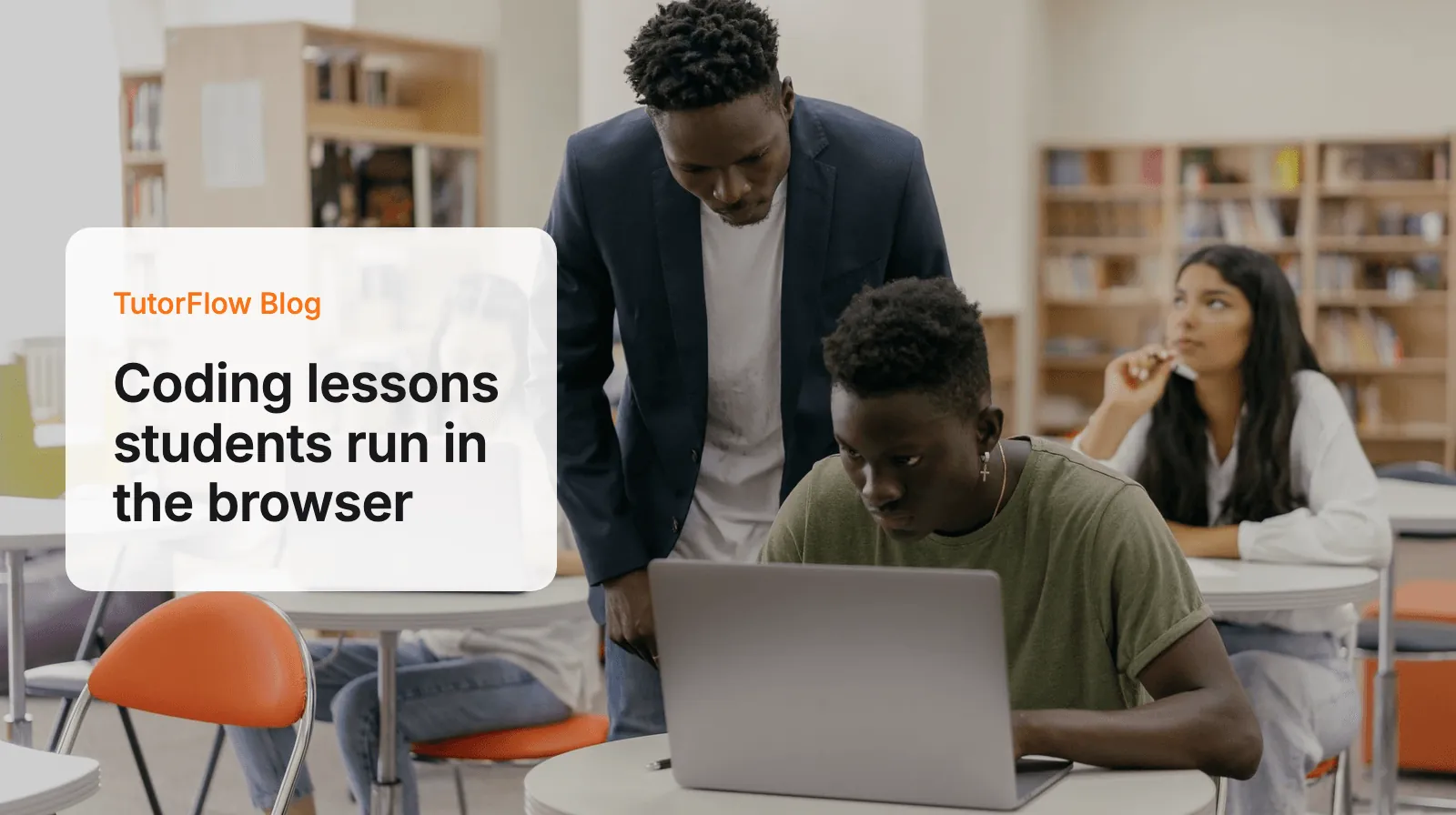
The first lesson of an intro Python class rarely starts with Python. Half the period goes to installing an interpreter on laptops that are not set up the same way, and a school Chromebook cannot install one at all. By the time every student has a working editor, the bell rings, and students are still retyping code from the slides into whatever editor works.
Teaching coding works better when the editor lives inside the lesson. Students read an explanation, change the code next to it, and run it, all on one page in the browser. Students install nothing, and the same code gives every student the same result.
Quick answer: how to teach coding online
Put the explanation and a working editor on the same page, so students run each example as they read it. Follow each lesson with a short quiz on the concept, then a coding exercise that checks the student's program against test cases and shows what failed. Collect and read the final exercise of each chapter, and give students a tutor that hints before it answers. TutorFlow is a teaching platform where you describe a programming course and get lessons with a runnable in-browser editor, concept quizzes, coding tests graded against your test cases, and code hand-ins you review.
Match each teaching moment to a lesson type
TutorFlow has a lesson type for each part of a coding course, and the type decides what students can do.
| Teaching moment | Lesson type | What students do | Where the code runs |
|---|---|---|---|
| Explaining a concept with examples | Coding Lesson | Read the explanation and edit runnable code beside it | Browser for Python and JavaScript, server for other languages |
| Checking that a program is correct | Coding Test | Solve a problem that is checked against your test cases | Server |
| Working with data, step by step | Python Notebook | Run cells one at a time and see tables and charts | Browser |
| Building a web page | Web | Edit HTML, CSS, and JavaScript with a live preview | Browser |
How to build a coding course in TutorFlow
Start a course and describe it the way you would to a colleague, with the language and the level: "An introductory Python course I teach online to high school students who have never written code." Then:
- Review the lesson types in the plan. For programming courses, the AI ends each chapter with a Coding Test and uses a Python Notebook for lessons that need libraries such as pandas. Change any type that does not fit how you teach.
- Edit the starter code. Open a Coding Lesson, select Edit, and go to the Practice tab. Good starter code leaves one clear gap, such as a function body that only says
pass, so students know where to start. - Keep explanations short. One idea per lesson, with an example students can run and change.
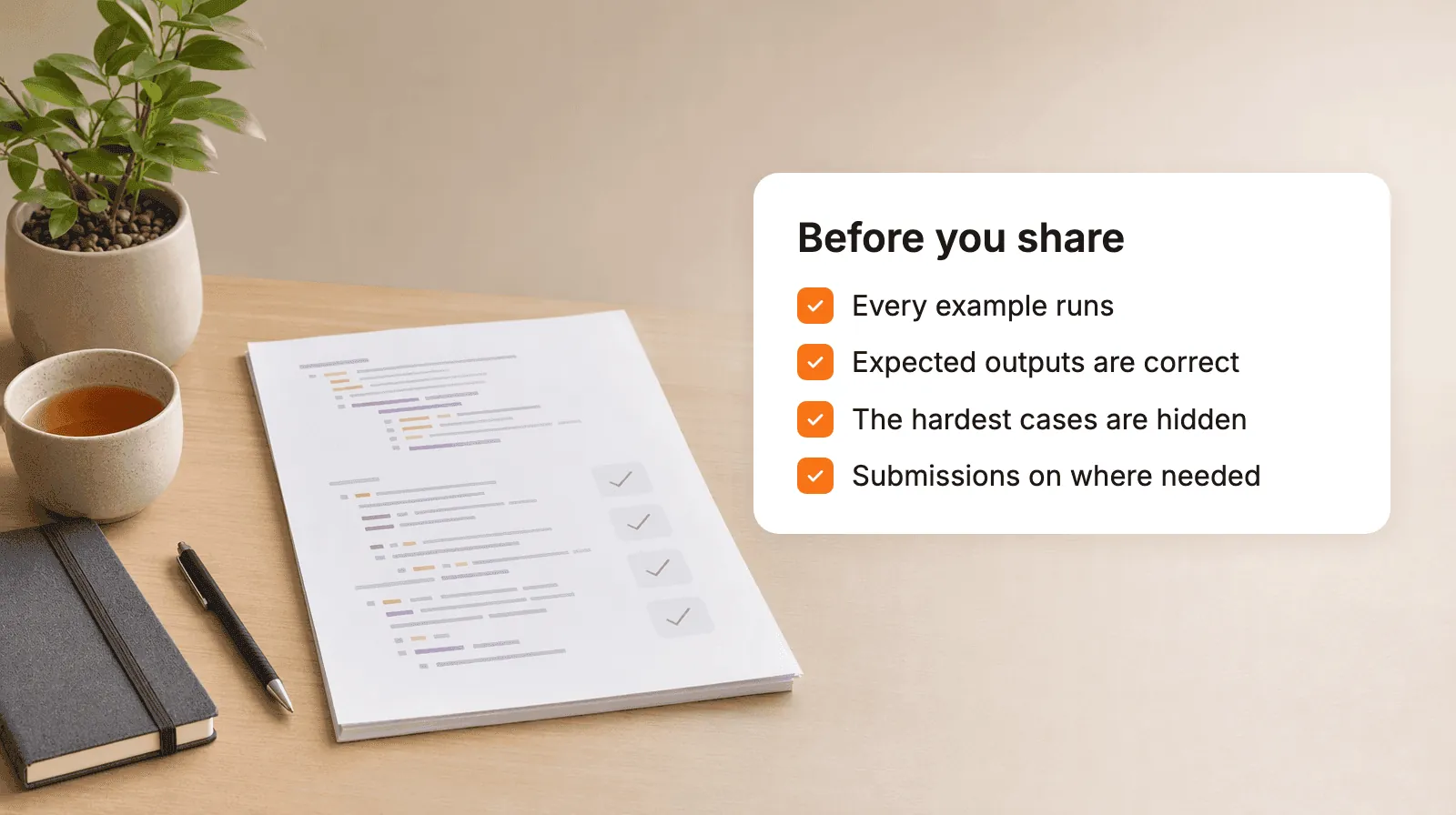
- Try it as a student. Run every example and solve every exercise before you share the course.

Coding Lessons and Notebooks the AI writes come with quiz questions on the concept, in multiple-choice, true or false, and fill-in-the-blank form. A question on what a loop prints catches a misunderstanding before the graded exercise does.
Python lessons can also install packages with !pip install, the same line students know from Google Colab. Common data packages such as pandas, NumPy, and matplotlib load as soon as the code imports them.
Order test cases so a wrong answer explains itself
A Coding Test runs the student's program against your test cases and shows a verdict for each one: AC for accepted, WA for a wrong answer, and codes for time limits, memory limits, and errors. Students see their output next to the expected answer, case by case.
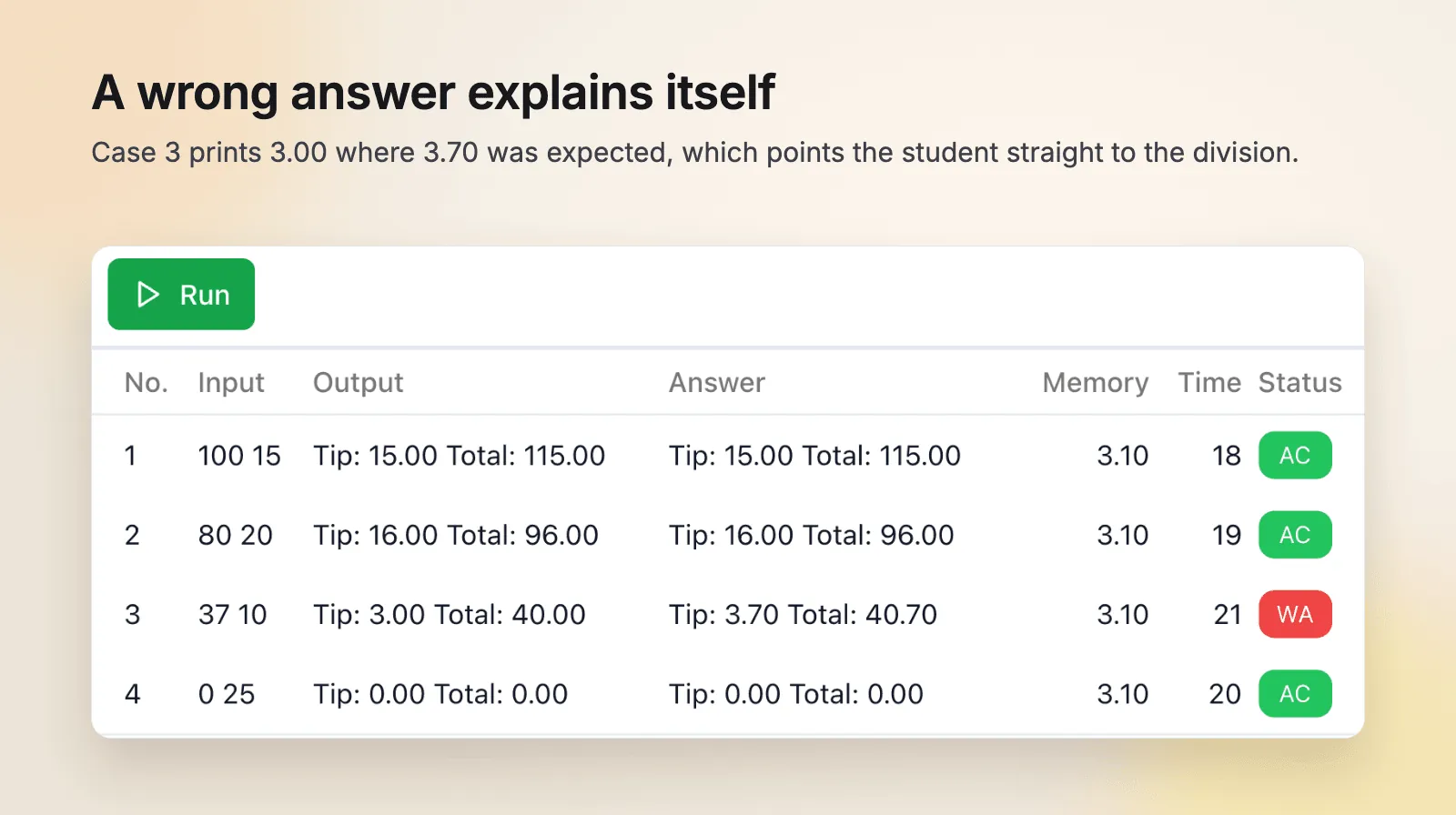
The order of the cases does the teaching:
- Start with the sample from the problem statement. A student who fails it has misread the task.
- Add one ordinary case and one edge case. An empty list, a zero, or a negative number catches the bug most students write first.
- State the output format exactly. The check compares the whole output with the expected answer and ignores only blank space at the very start and end, so writing "print each name on its own line" prevents wrong answers caused by a stray comma.
- Hide the answers of the hardest cases. Per-case settings hide the input or the expected answer in the results table, so students work on the logic rather than the expected output.
When the AI writes a Coding Test, it is instructed to add at least three test cases and a reference solution. Read them before you publish, since a wrong expected output fails every correct program.
Give hints without giving away the answer
A stuck student often asks for the solution, and getting it skips the part where they work out the bug. In coding lessons, the AI tutor starts in coach mode. It asks questions and gives hints before it gives answers, and you can change the mode for the whole course or for a single lesson.
For problems where you want students to struggle a little longer, turn off the Show solution button in the Coding Test until the class has had a real attempt, then turn it back on. Coding Tests the AI writes start with it on.
See who can write the code on their own
Running code leaves no record. To read students' work, turn on Enable assignment submissions in the lesson's Submission tab. When the hand-in type is code, students hand in the code in their editor with one button. In a course the AI built, each lesson already has a drafted assignment question, so switch it to code if you want the editor contents instead.
Each hand-in stores the code, and for a single file it also stores the output of a fresh run. Web lessons and multi-file code are stored as code only. A Coding Test hand-in is checked again against your test cases. Every hand-in appears in the course's Submissions tab with an AI grading draft that only you see, and each submission uses 1 AI tutor credit for that draft.
Turn submissions on where a hand-in tells you something, such as the last exercise of a chapter, rather than on every lesson.
Plan around these limits
A few things need a different plan:
- Coding Tests use the standard library only. Put problems that need pandas or NumPy in a Python Notebook or a Python Coding Lesson instead.
- Coding Lessons in server languages do not read keyboard input. In Java, C++, and the other server languages, put the values in the code instead of reading them with
Scannerorcin. Coding Tests are different: there, the program reads each test case's input as usual. - No network access for Python or server code. It cannot download data from the internet, so define small datasets in the code.
- No PyTorch or TensorFlow. Packages with native code and no browser build cannot be installed.
How TutorFlow compares with CodeHS, Codio, and Replit
CodeHS, a K-12 computer science platform, is strongest when you want its maintained curriculum and its tools for school computer science classes. Codio is built for courses that autograde multi-file projects with unit-test frameworks. Replit is a general online IDE that suits open-ended student projects, though it shut down its Teams for Education product in 2024.
TutorFlow fits when you teach your own material. It drafts the course from your description, runs Python and JavaScript in the browser, checks each Coding Test case by case, and lets you edit every lesson before students see it.
Try a coding lesson as a student first
Open the Python course example and run the code in a few lessons. It works without an account, so you see exactly what your students will see. Then describe your own course in TutorFlow Courses and check the lesson types in the plan before anything is written.
FAQ
Do students need to install anything to code in TutorFlow?
No. Lessons open in the browser, including on Chromebooks, so there is nothing to install or configure on student devices.
Which programming languages can I teach?
Coding Lessons and Coding Tests support 16 languages: Python, JavaScript, TypeScript, Java, C, C++, Go, Rust, Kotlin, Swift, Ruby, PHP, R, Bash, Clojure, and Pascal. Web lessons cover HTML, CSS, and JavaScript. The coding courses guide explains how each lesson type works.
How is TutorFlow different from CodeHS, Codio, or Replit?
CodeHS offers ready-made courses for schools, Codio focuses on autograding multi-file projects, and Replit is an online IDE suited to open-ended student projects. TutorFlow builds lessons from your own description and material, with an explanation, a runnable editor, quizzes, and graded coding tests in each course.