Creating a TutorFlow account takes under two minutes. This guide covers email and Google sign-up, what to do inside an in-app browser, how a Google account gets a password, and what the Free plan includes.
At a glance
- Sign-up URL: https://tutorflow.io/sign-up. Existing users sign in at https://tutorflow.io/sign-in.
- Two sign-up methods: email plus password, or Google.
- No card required. Signing up puts you on the Free plan.
- Free plan limits: 1 classroom and up to 10 learners.
- Welcome offer: 50% off the first month of Pro if you subscribe within 72 hours.
Sign up with email
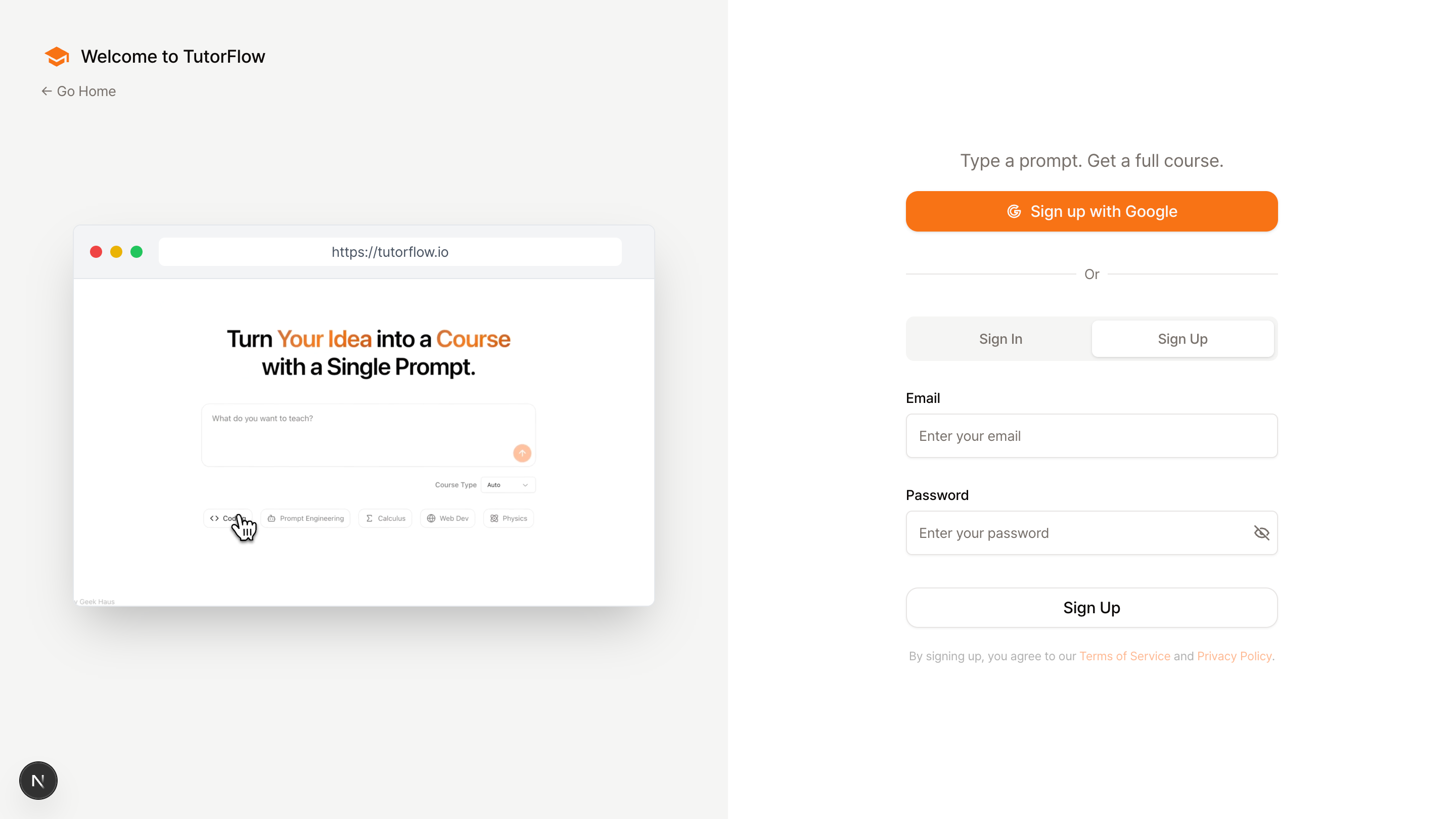
- Visit https://tutorflow.io/sign-up.
- Choose Sign up with email.
- Enter your email address and create a password.
- Submit the form. Your account is created and the onboarding flow begins.
Sign up with Google
Click Get started with Google on the sign-up page. TutorFlow creates the account with your Google email, so there is no password to set at this point.
Inside an in-app browser (a link opened from Instagram, KakaoTalk, LinkedIn, or a similar app), Google sign-in is not available because Google blocks it there. TutorFlow shows a notice with two options: Open in browser hands the page to Safari or Chrome, and Copy link lets you paste it there yourself. Email sign-up works inside the in-app browser as normal.
Set a password on a Google account
A Google account can also get a password, which is useful if you lose access to the Google sign-in or want to log in from a device without Google.
- Go to https://tutorflow.io/sign-in and click Forgot password?
- Enter the email you use with Google. The reset page notes that Google sign-ups can set a password this way too.
- Open the link in the email and choose a password.
After that, both Get started with Google and email plus password work for the same account. You can also set a password later from your profile settings.
Already have an account
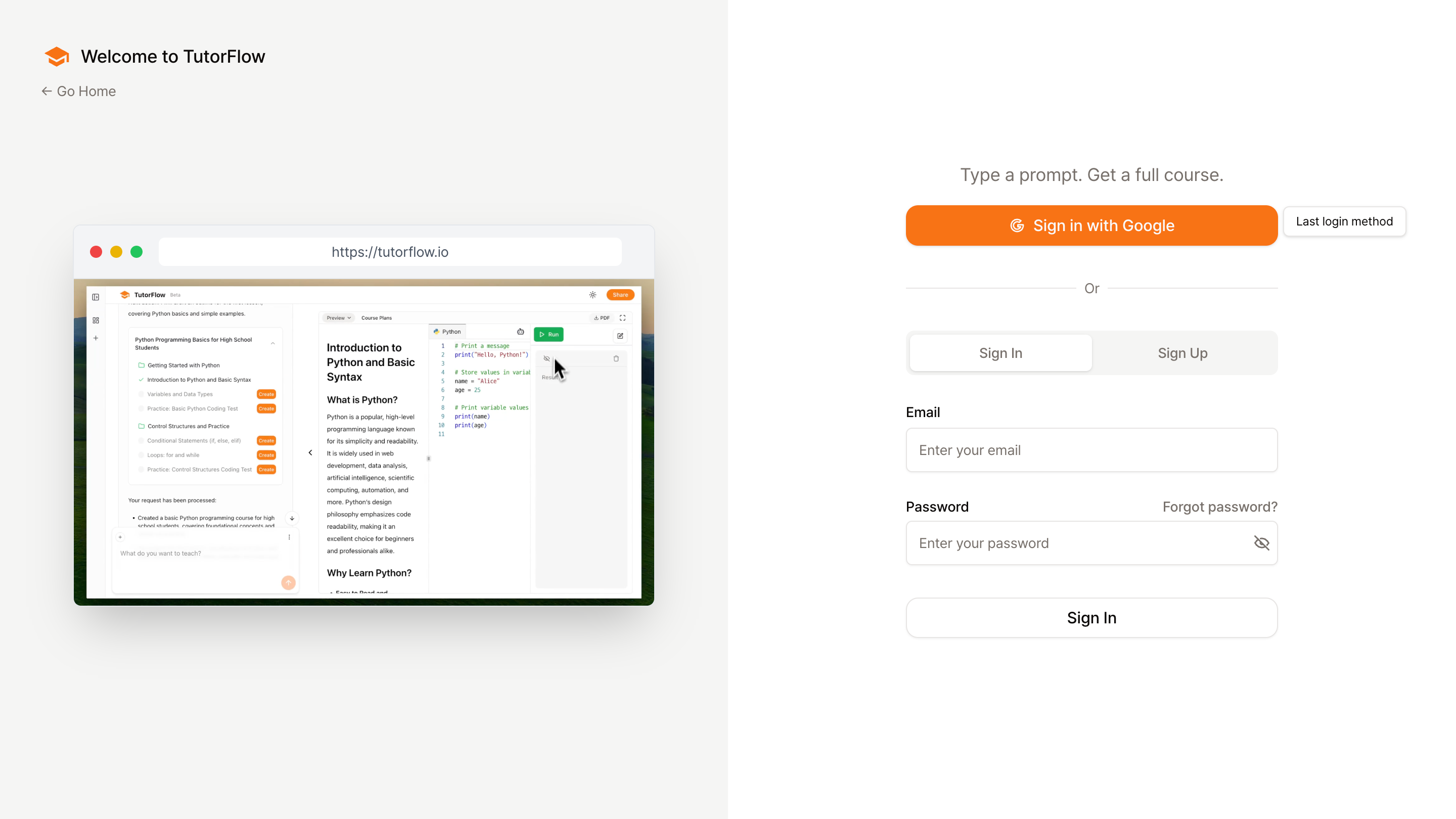
- Visit https://tutorflow.io/sign-in.
- Enter your email and password, or click Sign in with Google.
If you have forgotten your password, click Forgot password? to receive a reset email. The reset link expires, so use it soon after it arrives.
What you get on the Free plan
| Free plan | |
|---|---|
| Classrooms | 1 |
| Learners | up to 10 |
| AI Credits | 60 to get started |
| AI tutor responses | 100 per month |
| Payment details | none required |
Every paid plan raises the classroom and learner caps. The current limits and prices are on tutorflow.io/pricing. Within 72 hours of sign-up, new teams can take the Pro plan at 50% off for the first month; the offer appears at the end of onboarding and as a banner on the dashboard.
Common questions
Do I need to enter a credit card to sign up? No. Signing up for TutorFlow does not require payment information.
Can I change my classroom name or URL later? Yes. Both can be updated in the classroom settings, and the team name in the team settings.
What happens if I use Google sign-in instead of email? Your account is linked to the Google email you used. You can keep signing in with Google, and you can add a password through the reset flow above whenever you want one.
I invited an eleventh learner on the Free plan and it was refused. The Free plan holds 10 learners per team. Remove a learner or upgrade the plan to invite more.
Next step
Once your account is created, continue with the onboarding flow and start creating content: